Connect the API
1. Open API Management and create a new API key
In Settings → API Management → New API key, choose the permissions you need and create the key. Keep it only in server environment variables — never in web page code or a public repository.
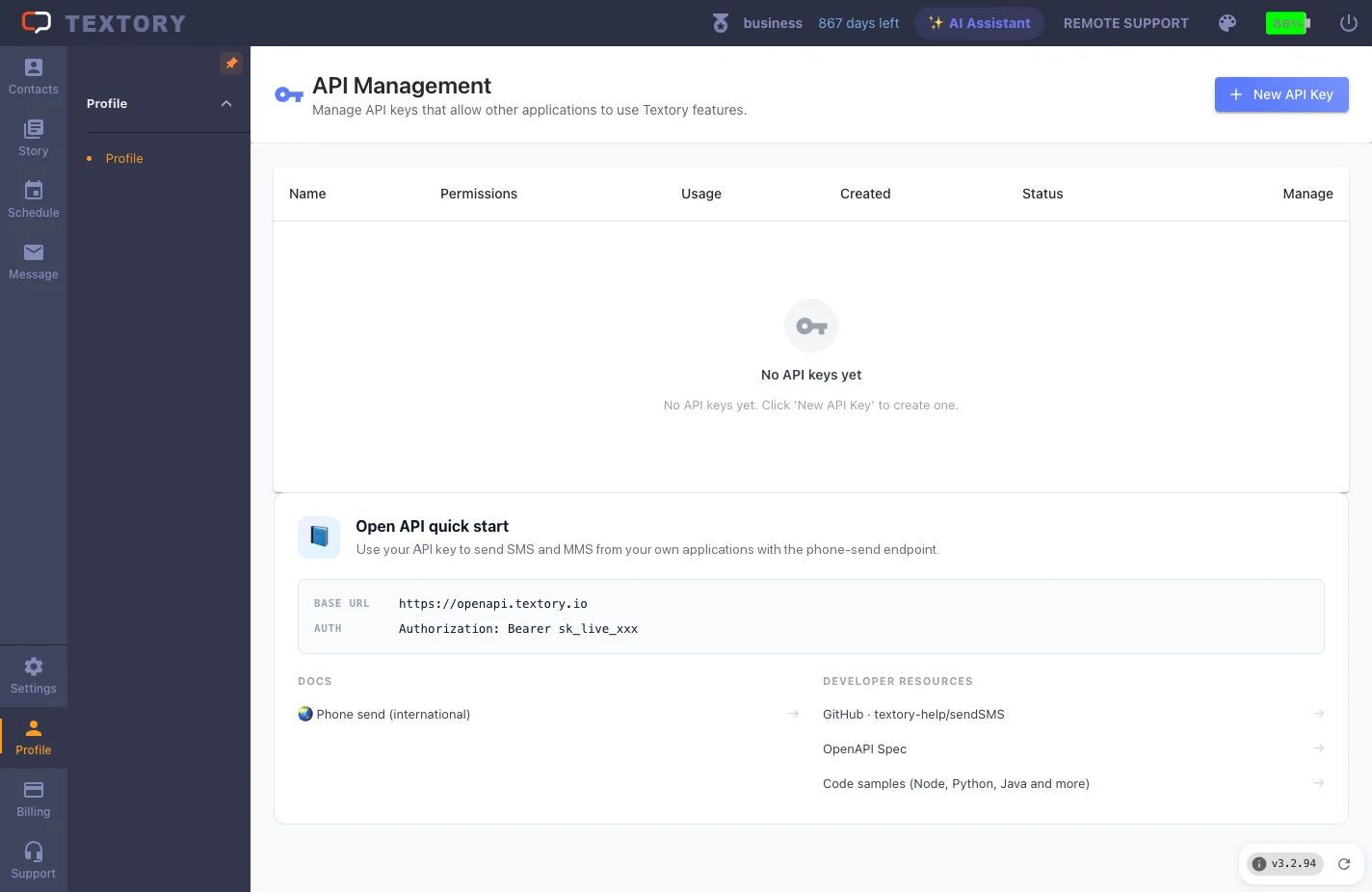
2. Check the key’s permissions, usage and status
Check the key’s permissions, usage and status in the list. Deactivate keys you don’t use.
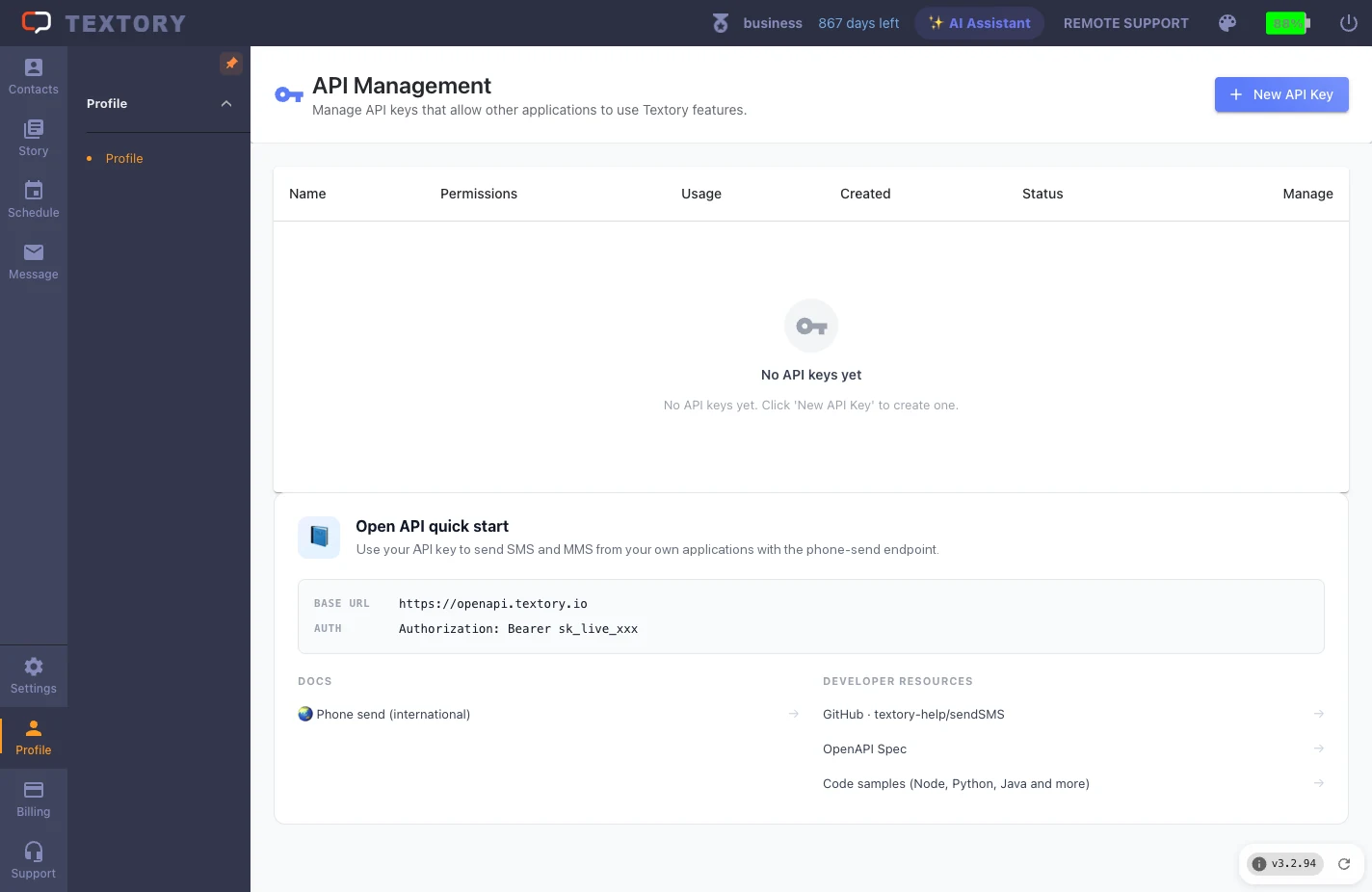
3. Find the BASE URL and authentication in the integration guide
The Open API integration guide below lists the BASE URL, auth header and sending endpoint. Send with POST /openapi/v1/messages/phone — messages go out from your connected Android phone.
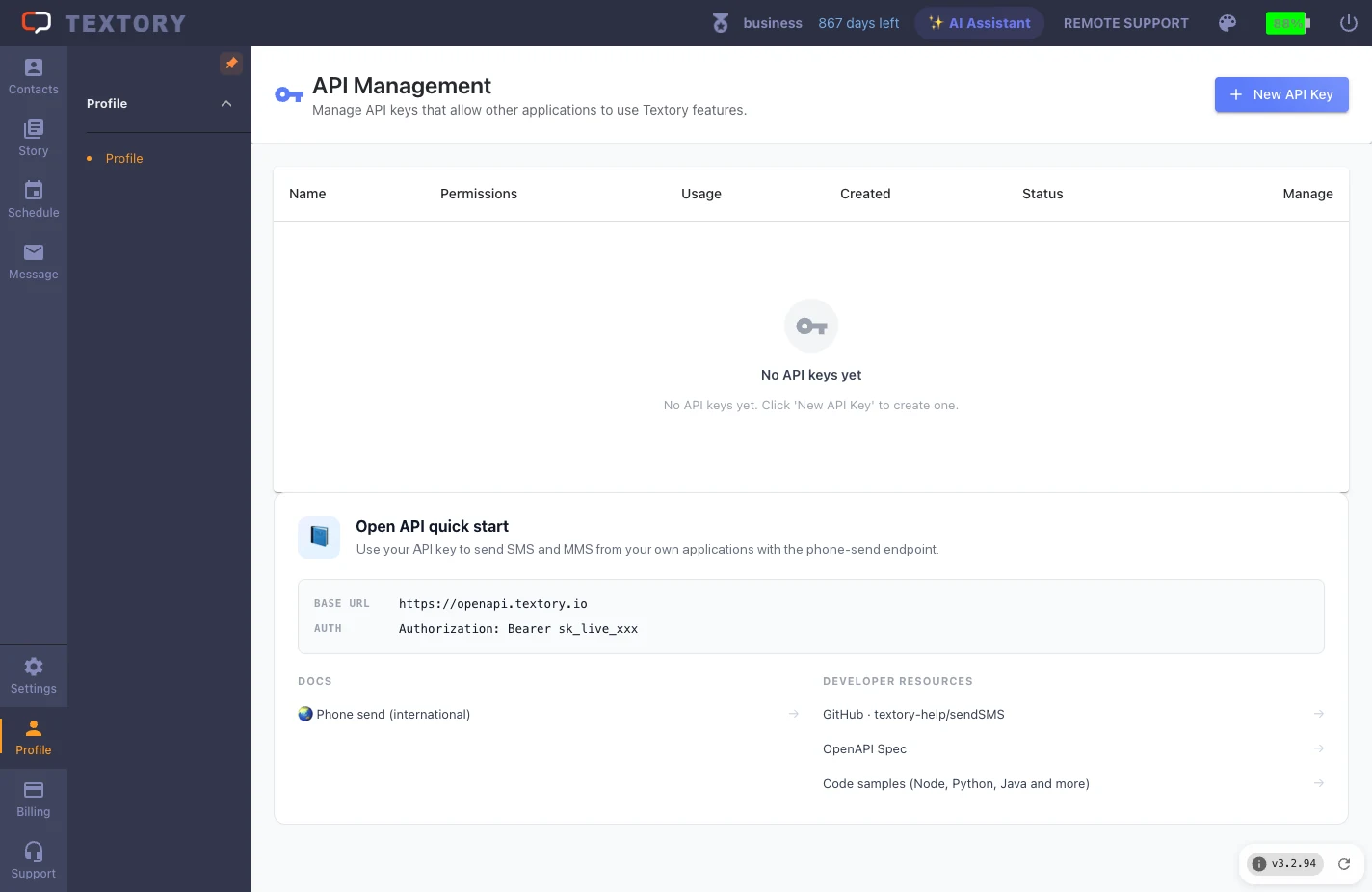
4. Send a request and check the result
Fill in recipients, contents and clientId and send. It really sends, so test with your own number. Save the messageId from the response and check per-recipient results with GET /openapi/v1/messages/{id}. Reuse the same clientId to prevent duplicates, and honor Retry-After on 429.
Next guides
Still stuck?