Sending limits and costs
1. Check Textory limits
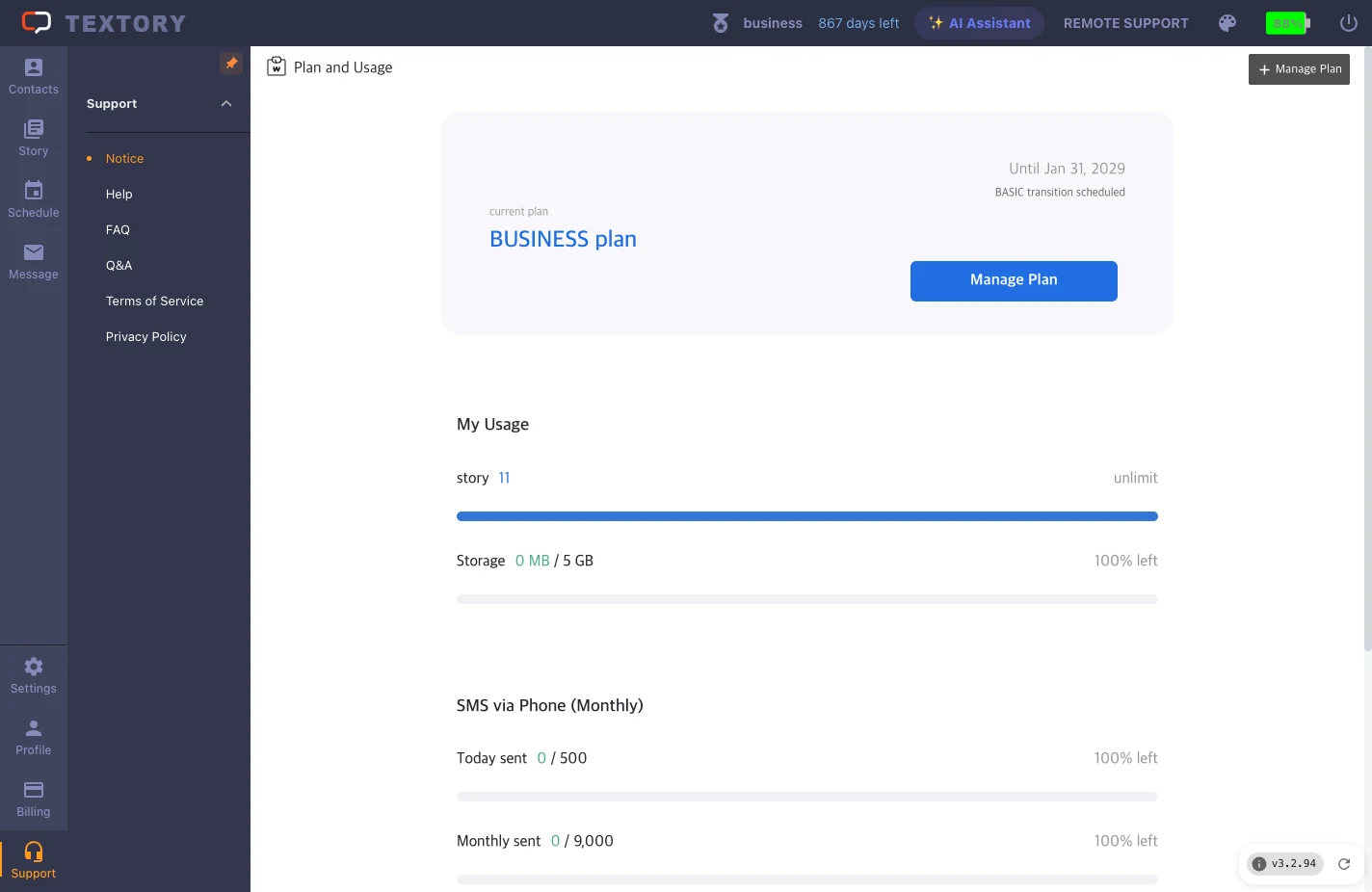
Your sending limits are under today’s and this month’s counts in Billing → My Usage. Your carrier’s own restrictions (commercial use, bulk sending) are in your carrier’s terms — check them separately.
2. Two kinds of cost
Your Textory subscription and your phone carrier plan are separate costs. Messages go out from your own phone, so carrier limits and charges follow your mobile plan.
3. Before a bulk send
Clean up recipients (remove duplicates and opt-outs) → check your usage → test with a small batch first. Don’t split across several phones to get around carrier limits.
4. When you see failed or pending
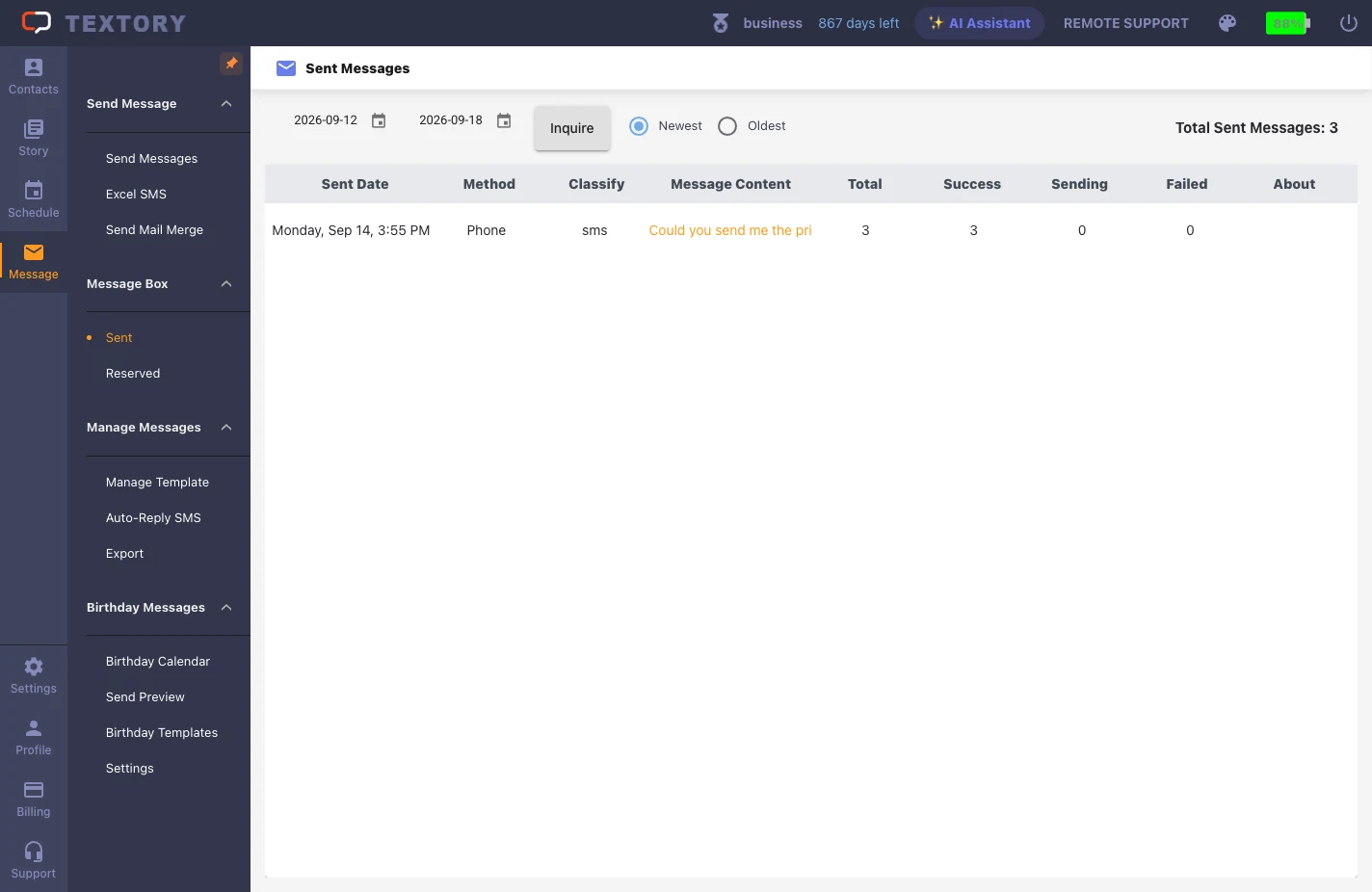
Read the result in Sent first and narrow the cause down to limits or the app connection. Re-submitting a pending request can cause duplicate sends later.
Next guides
Still stuck?