Enter a birthday and verify its next occurrence
Enter known information
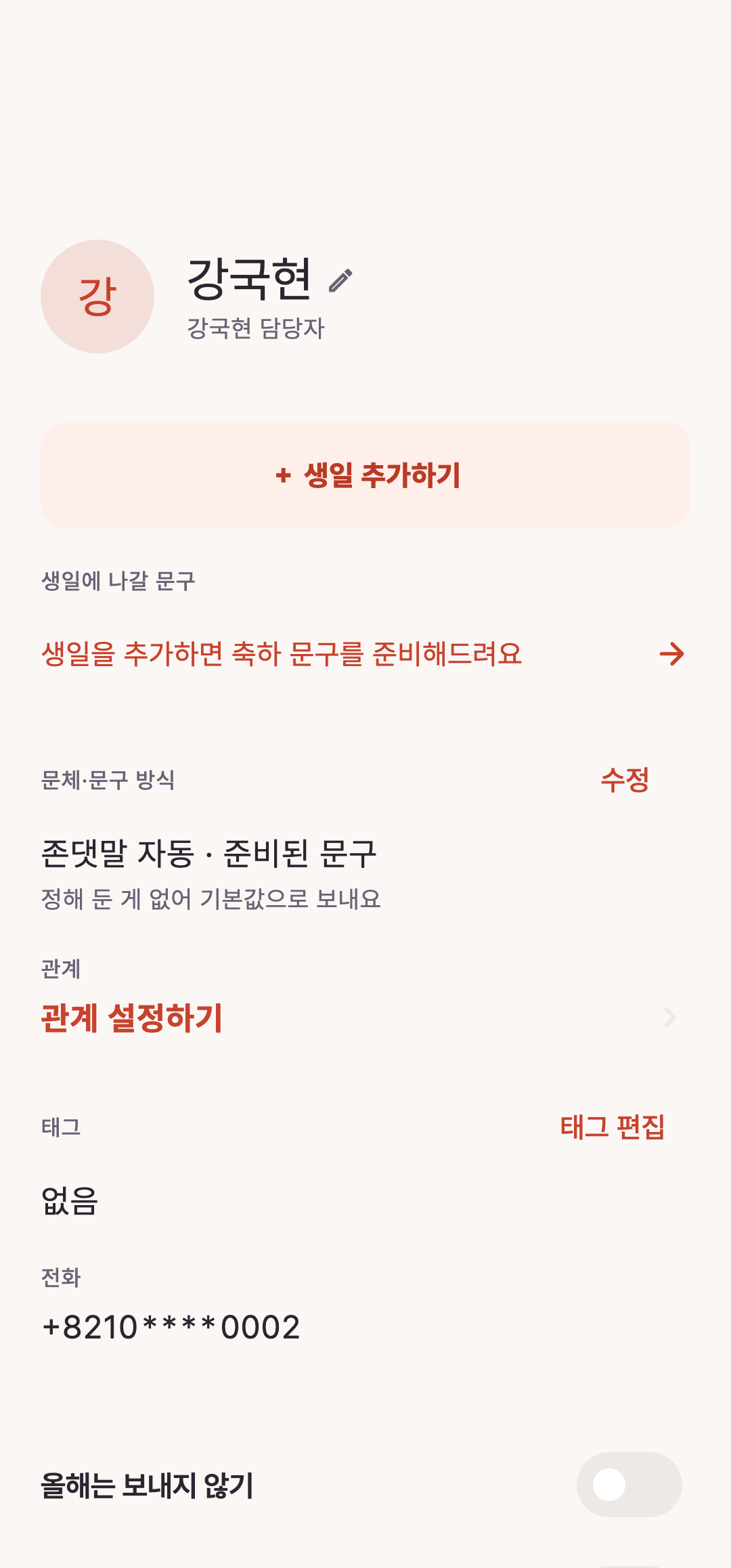
Open a contact without a birthday and add the confirmed month and day. Ask the person when unsure rather than entering a convenient date.
Choose the calendar
Check whether the birthday is solar or lunar and use the supported options. Use unknown year if applicable and inspect special cases such as leap months in the current screen.
Verify after saving
Compare the next occurrence in contact details and Calendar. Then review the name and greeting. Saving a birthday does not automatically send a message.
Continue with the guide
Related guide
Start Loela: birthdays, names and message review
Prepare one contact and send only after checking the message in your SMS app.
Open guideKeep reading
Still stuck?