Review a Loela greeting before sending
Check the recipient first
Confirm who is currently shown, especially when reviewing several messages. Verify the phone number and how you address the person.
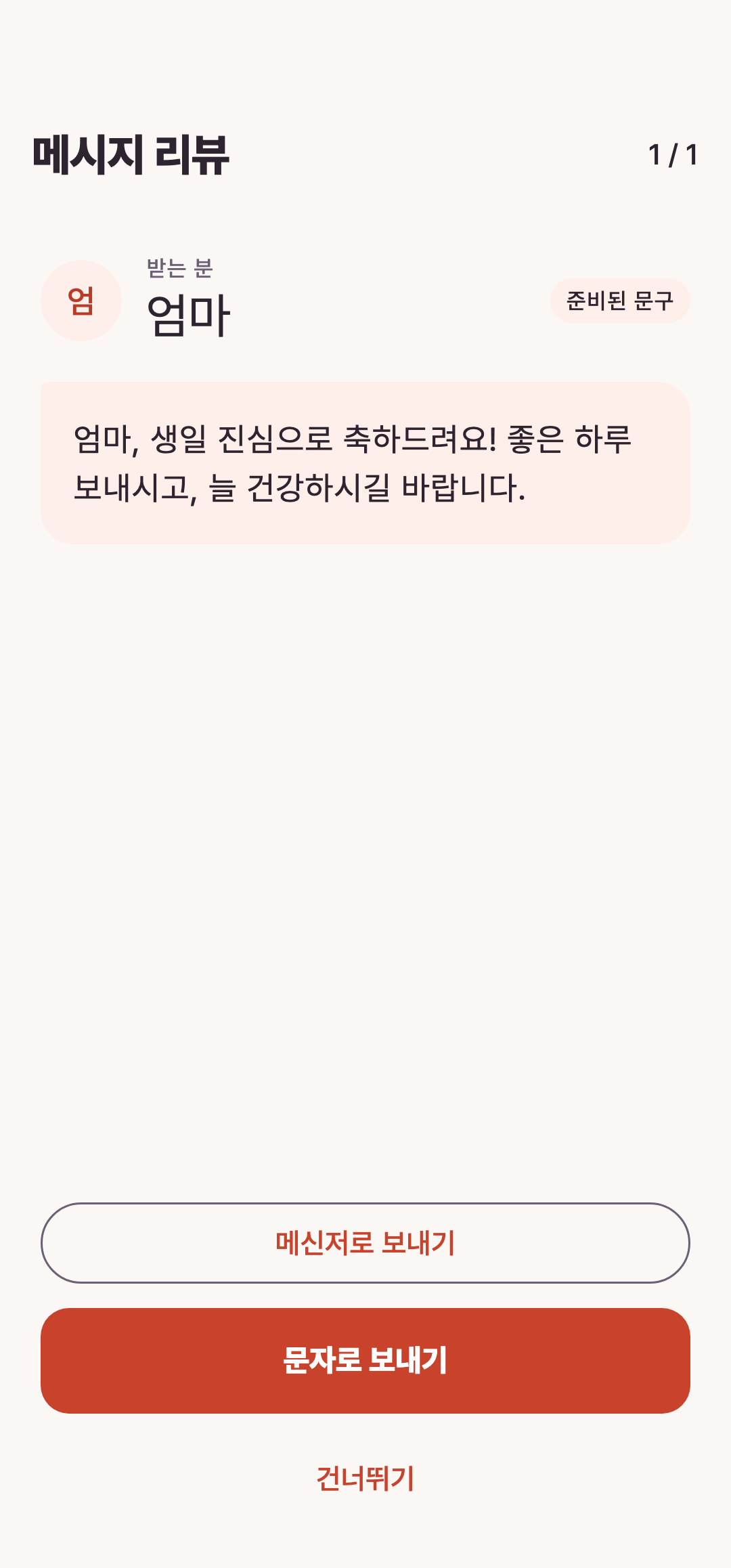
Read the message
Remove awkward tone, incorrect relationships and invented experiences. Skip the person if the greeting is not appropriate this time.
Complete the send yourself
Open the SMS composer or supported sharing destination and confirm the recipient again. Press the final send control there. On Android, a composer handoff does not confirm that the message was sent.
Continue with the guide
Related guide
Loela sending: review first, then send yourself
Distinguish message preparation, composer handoff and actual sending.
Open guideKeep reading
Still stuck?