Check your plan and usage
1. Open My Usage
Open Billing → My Usage.
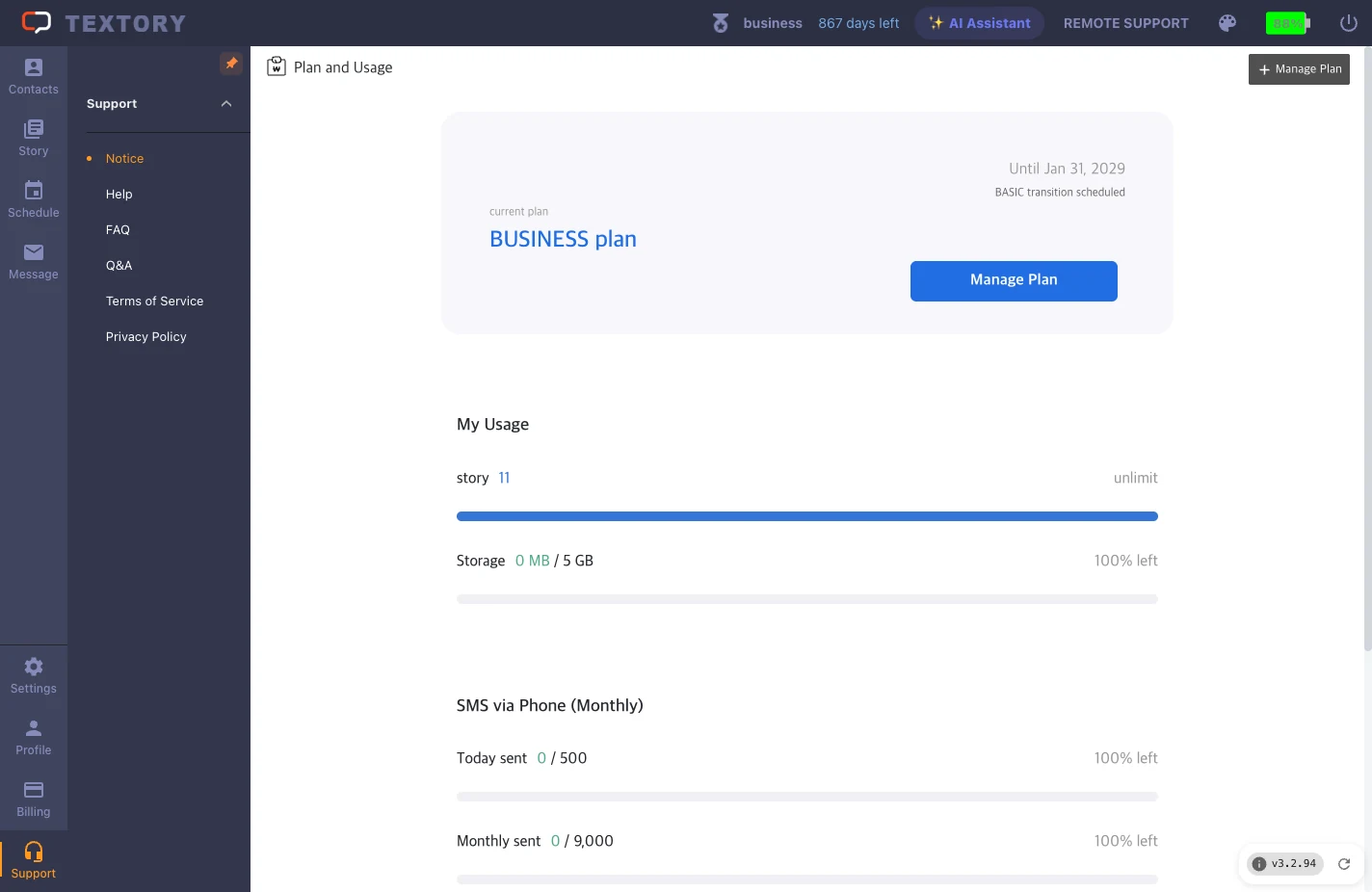
2. Read the usage items
See your current plan, stories, storage, and today’s and this month’s phone-sending counts. Today and this month are separate limits — don’t assume the monthly limit is 30 times the daily one.
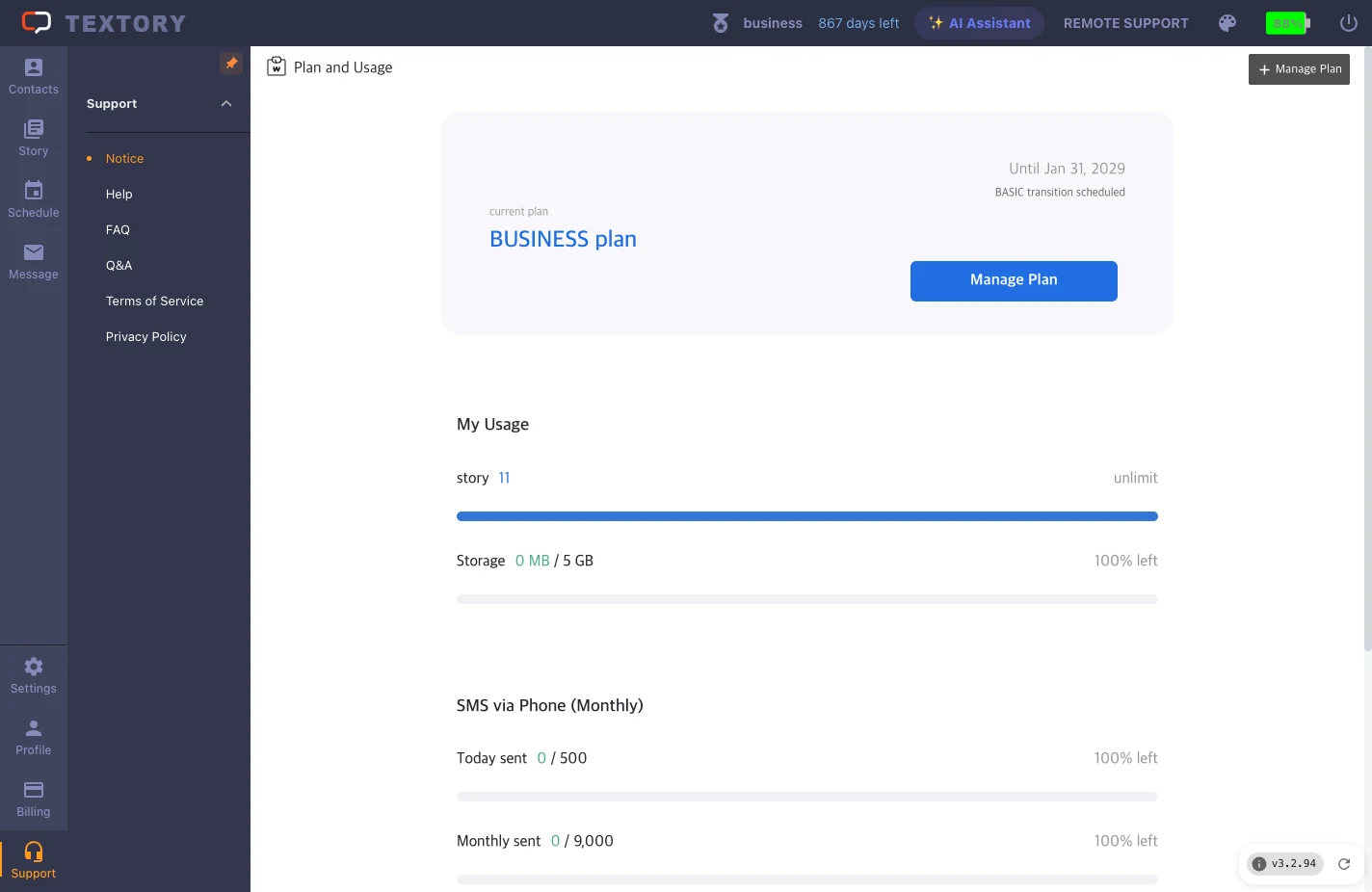
3. Compare plans and billing cycles
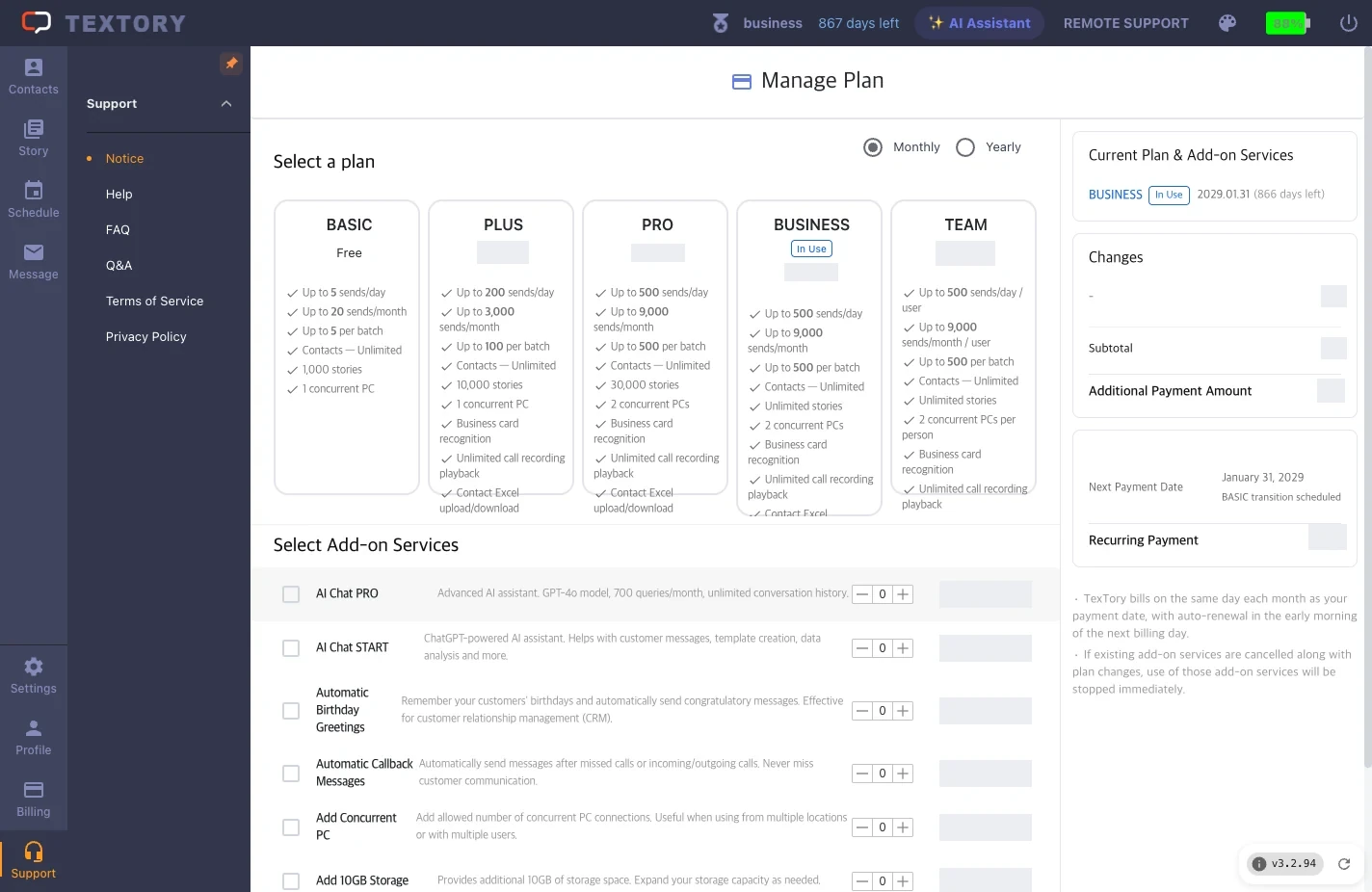
Click Manage Plan and switch between Monthly and Yearly to compare sending volumes and features. You can use Textory plans wherever you are.
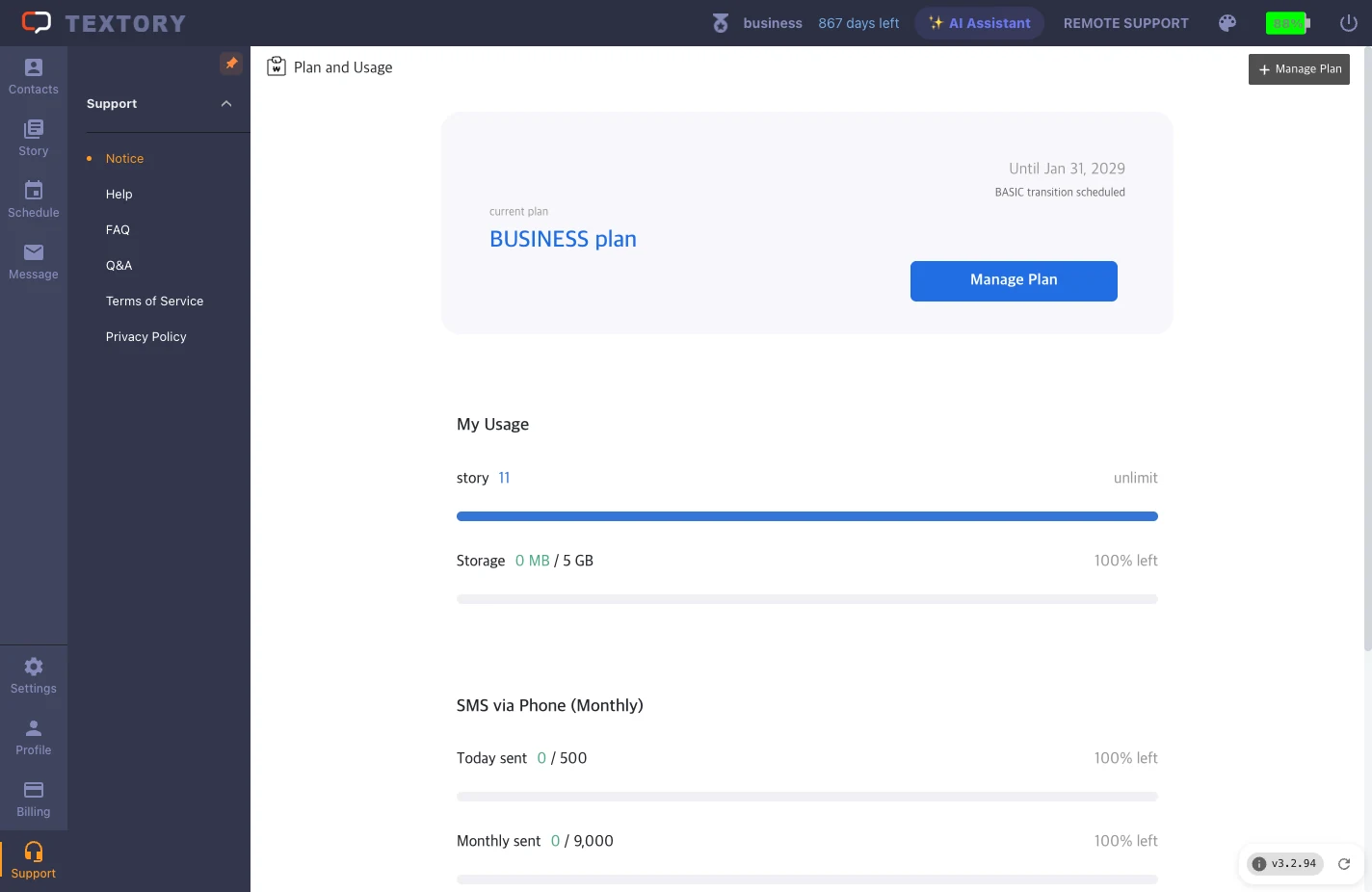
4. Check add-ons
Under Add-ons, see whether features like callback messages and birthday messages are included in your plan or cost extra.
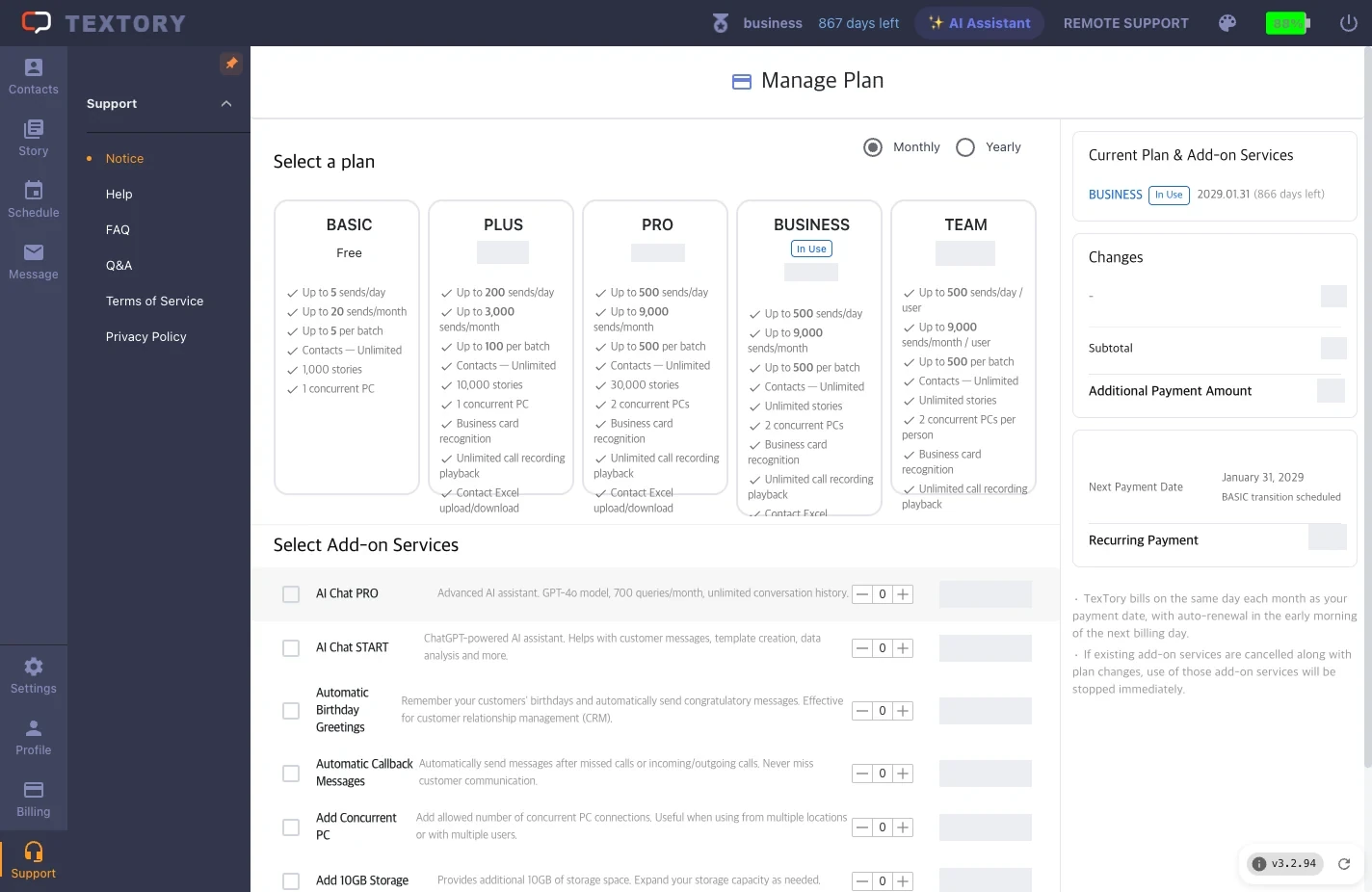
5. Check the final amount before paying
Under Changes and Recurring amount on the right, check the total charged now, the next billing date and whether it recurs.
Next guides
Still stuck?