Change your payment card
1. Open Manage Payment
Open Billing → Manage Payment. Your current card is shown at the top.
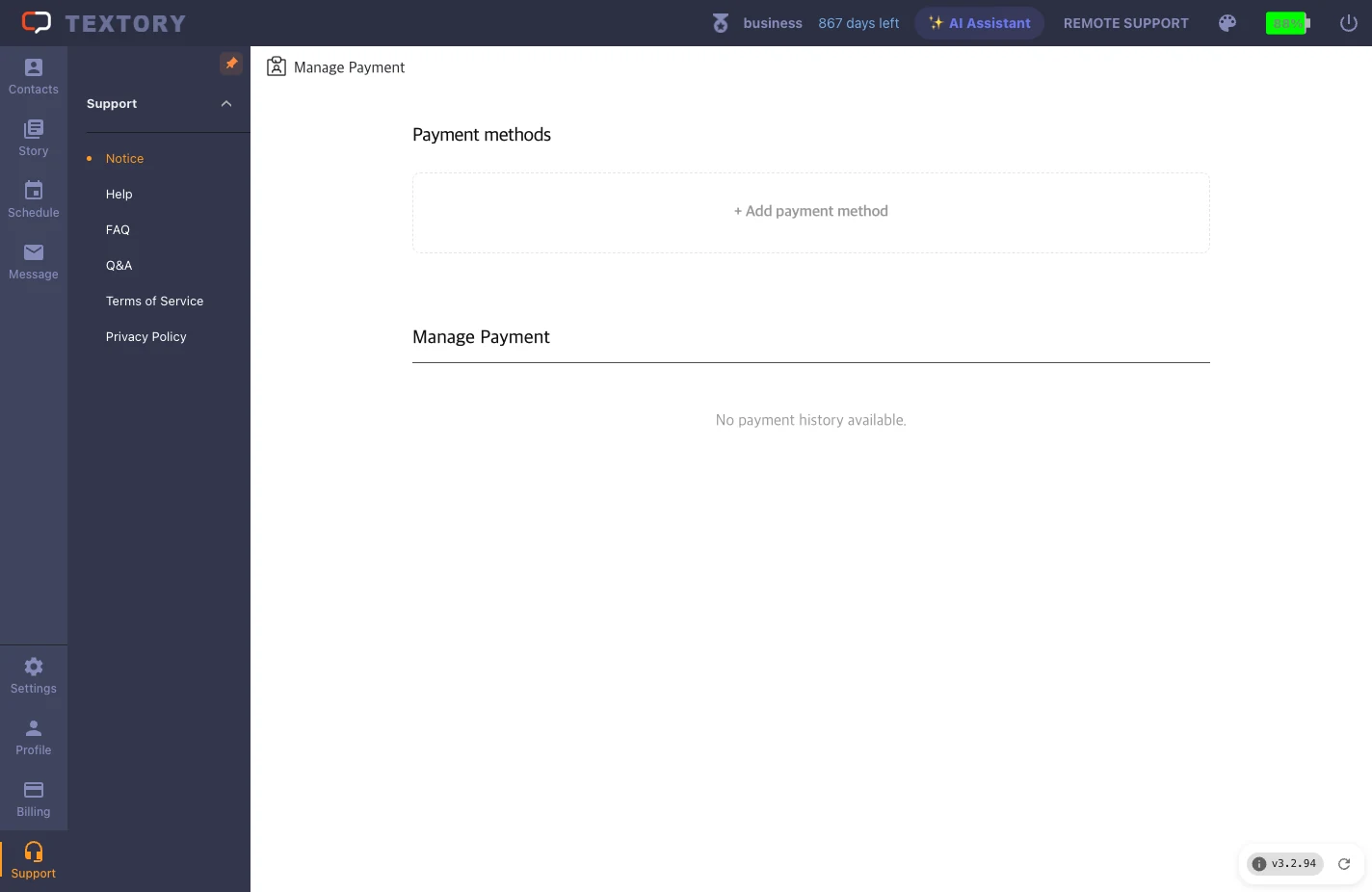
2. Add a new payment method
Click + Add payment method.
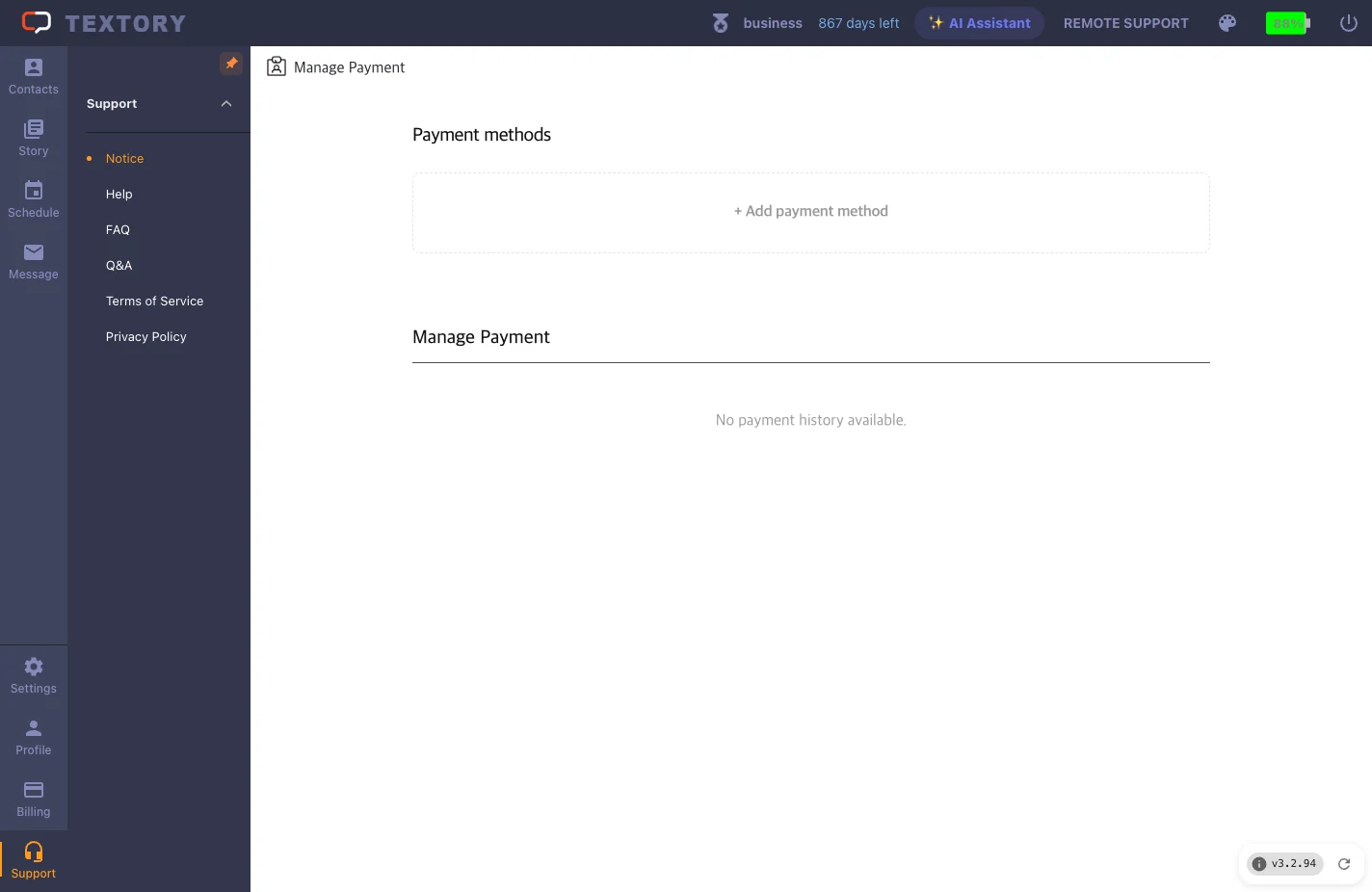
3. Enter the card details
In the payment window, enter your card number, expiry date and billing details, then confirm.
4. Set it as the default card
Adding a card doesn’t change the billing card yet. Click Set as default on the new card’s row so the next payment uses it. You can delete unused cards, and Payment history at the bottom of the same screen shows past charges and dates.
Next guides
Still stuck?