Read Loela’s calendar and preparation states
Choose the month
Use Calendar for several dates and Home for the next people to prepare. Open a date to inspect its contacts.
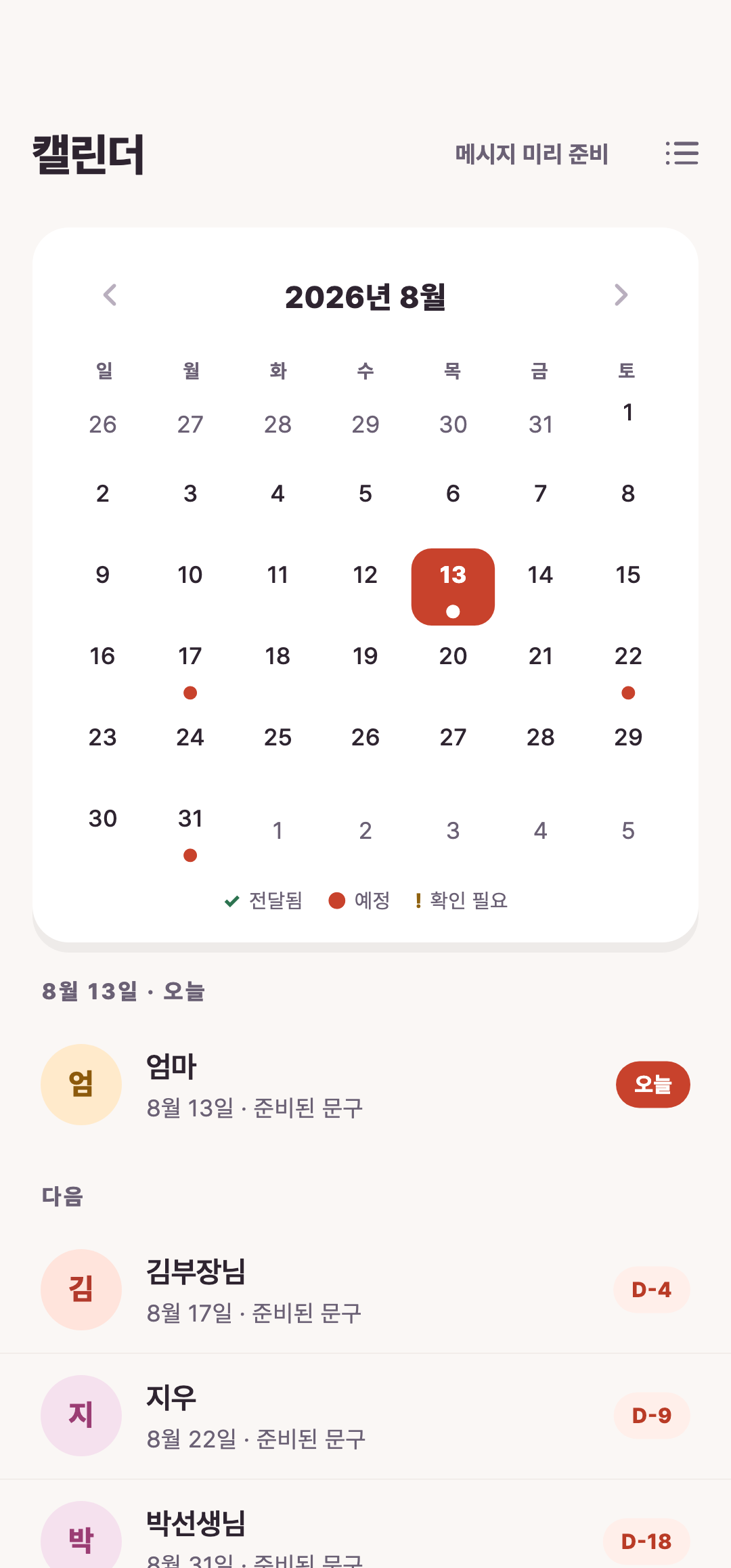
Read states carefully
Ready, needs review and processed are different states. On Android, opening the SMS app does not prove the message was sent; check the actual conversation.
Correct the source
If a date looks wrong, inspect the contact’s month, day and calendar type, save and recheck. Calendar presence is not an automatic-send reservation.
Continue with the guide
Related guide
Start Loela: birthdays, names and message review
Prepare one contact and send only after checking the message in your SMS app.
Open guideKeep reading
Still stuck?