Check your usage
1. Open My Usage
On a computer, go to www.textory.com and open Billing → My Usage.
2. Read the usage items
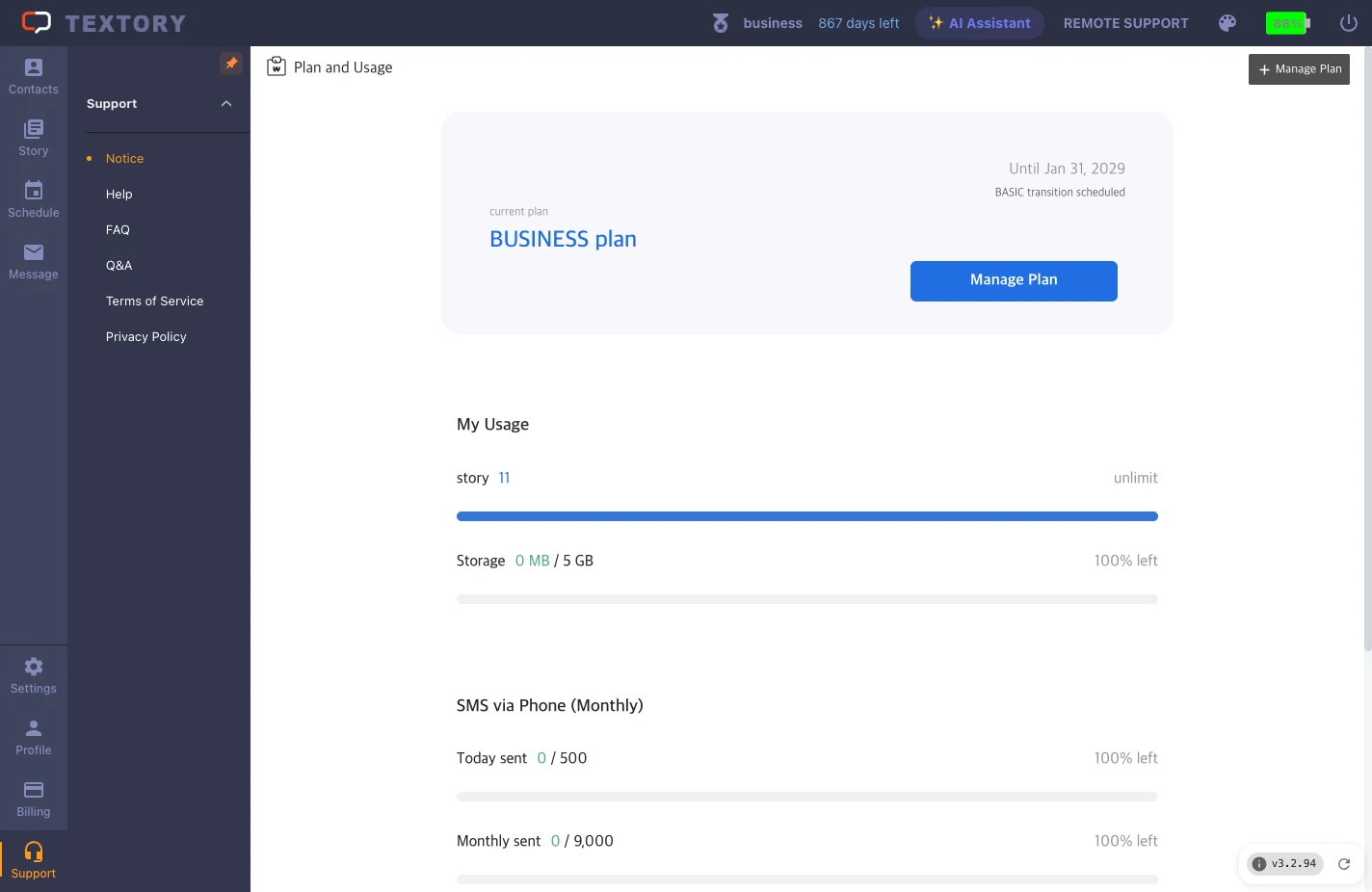
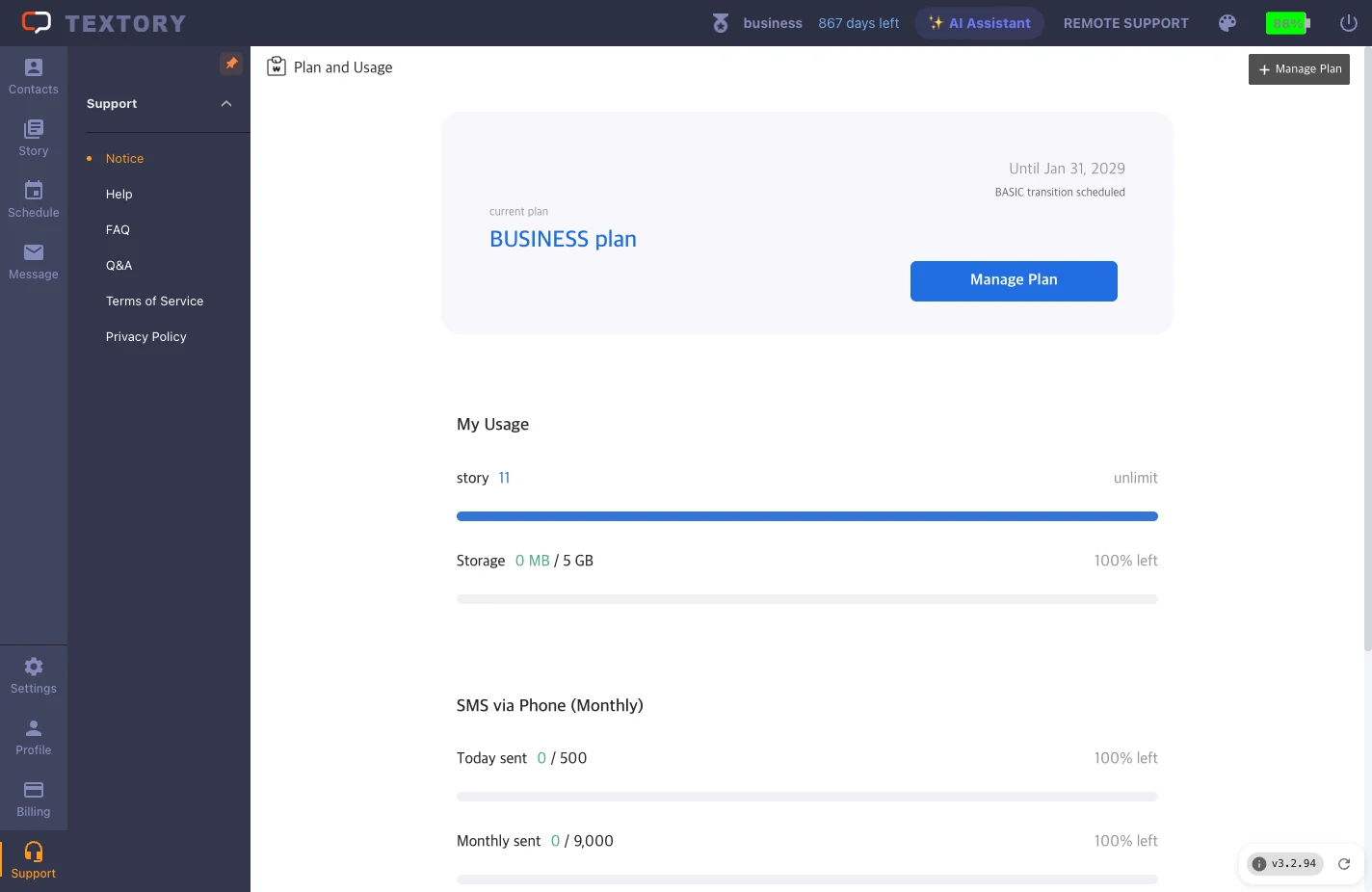
See your current plan, stories, storage, and today’s and this month’s phone-sending counts, each shown as used / limit. Today and this month are separate limits — don’t assume the monthly limit is 30 times the daily one.
3. If you’re close to the limit
If your stories are close to the limit, you can delete old stories by date range in Billing → Data Cleanup — see ‘Clean up old stories’. To raise your limits, compare plans in ‘Check your plan and add-ons’.
Next guides
Still stuck?