Install Live Chat
1. Open Install
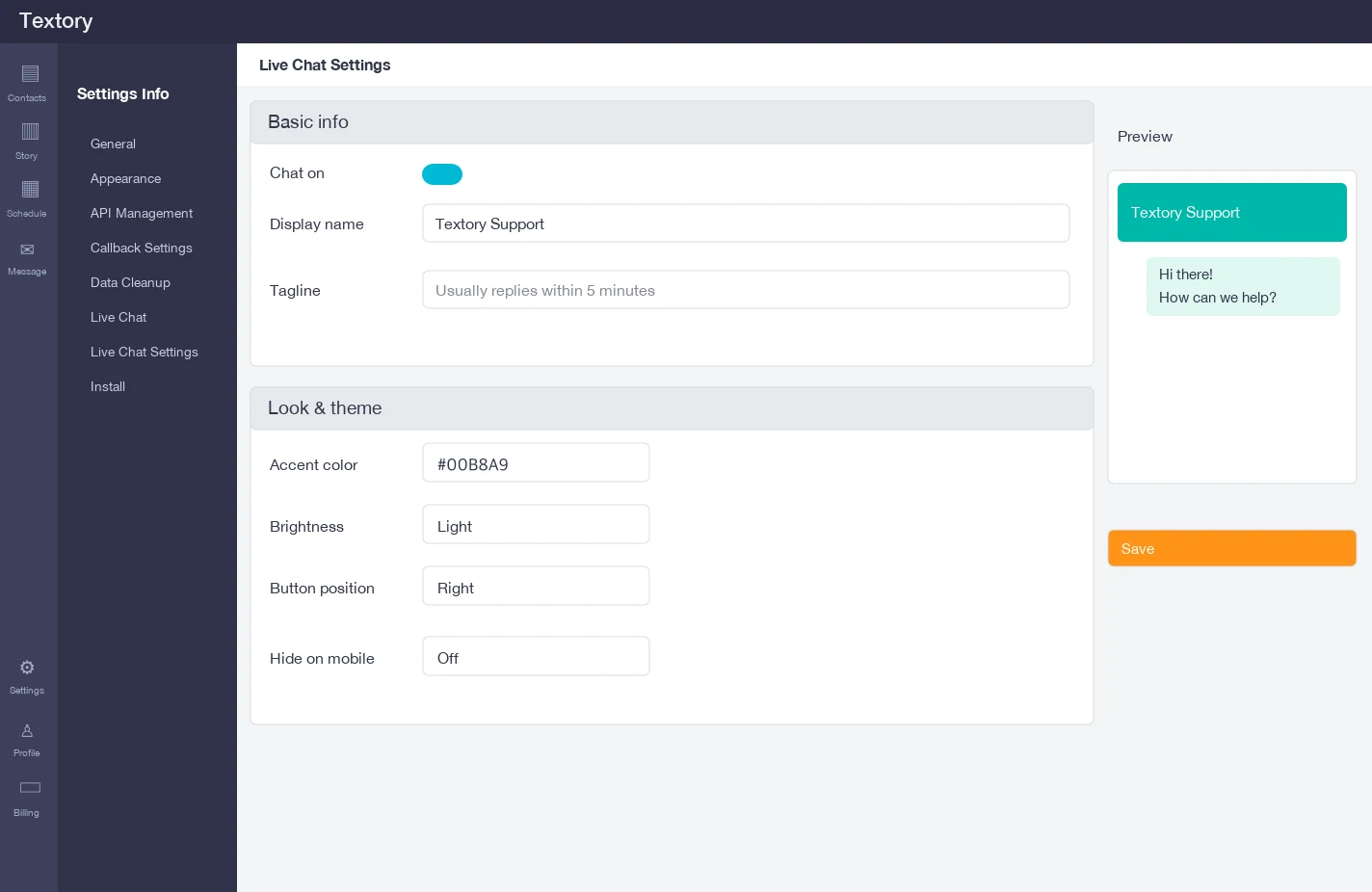
Open Settings → Live Chat → Install. Even without a website, you can take inquiries through a link or QR code.
2. Take inquiries via link or QR
Copy the chat link at the top, or download the QR code as PNG or print-ready SVG, and put it on flyers, business cards, your shop door or Instagram profile.
3. Add it to your website
If you have a website, go to Add to my site, copy the code and paste it into your site’s HTML just before the closing </body> tag (or your site builder’s custom code section). Use Installation test at the bottom of the same screen to confirm it works.
4. Check mobile display and the preview
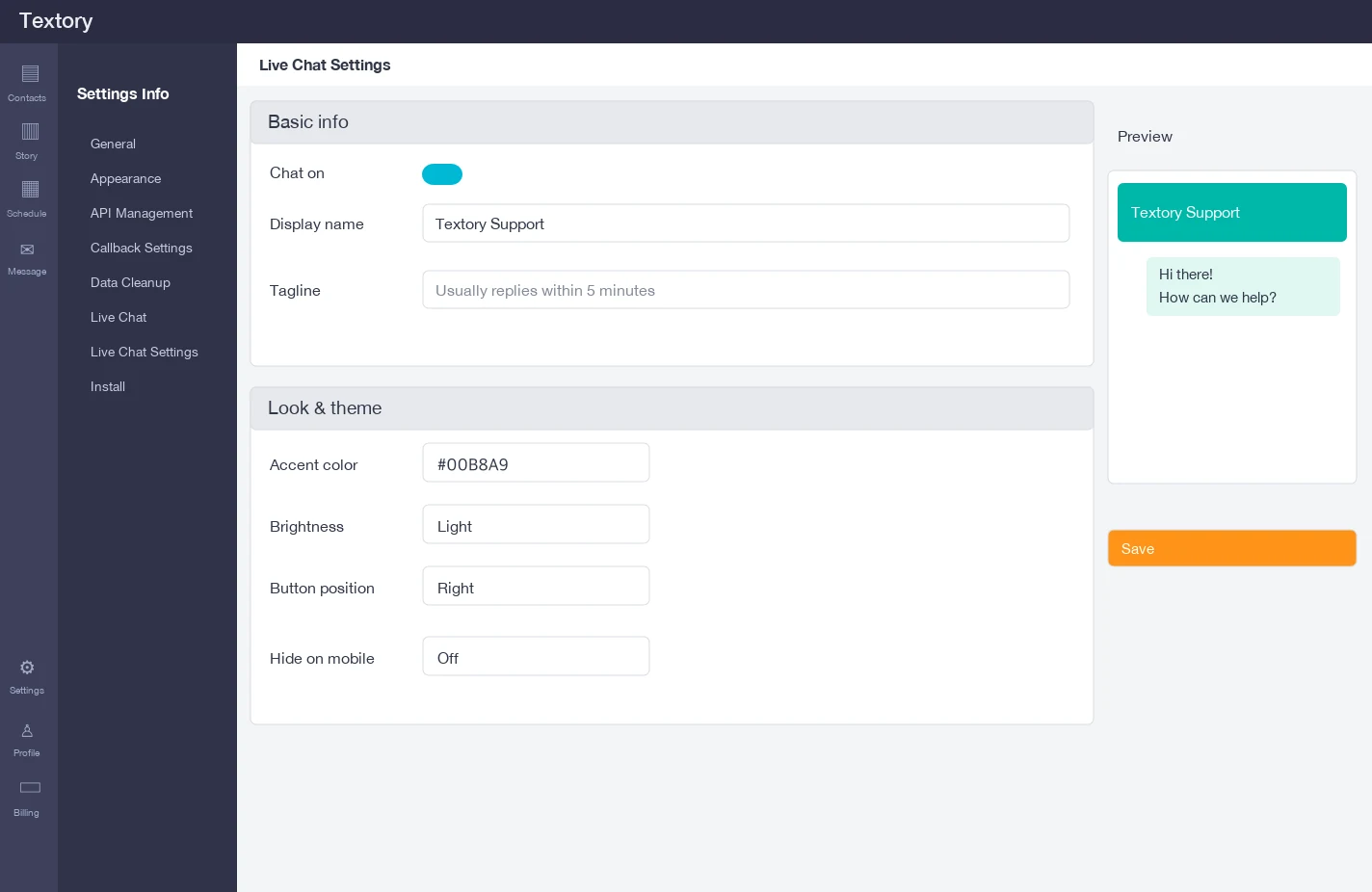
In Live Chat settings, Hide on mobile must be off for the button to show on phones. Use the preview on the right to check how the chat window looks.
Next guides
Still stuck?