Marketing texts and opt-outs
1. Is it a marketing message?
Appointment reminders and order updates are informational. Once you add a discount or offer, it becomes a marketing message — and in the US, marketing texts need the recipient’s prior express written consent.
2. What a marketing message must include
Confirm consent first. Identify your business by name and include opt-out instructions such as “Reply STOP to opt out”. Send only between 8 am and 9 pm in the recipient’s local time.
3. Manage opt-out numbers
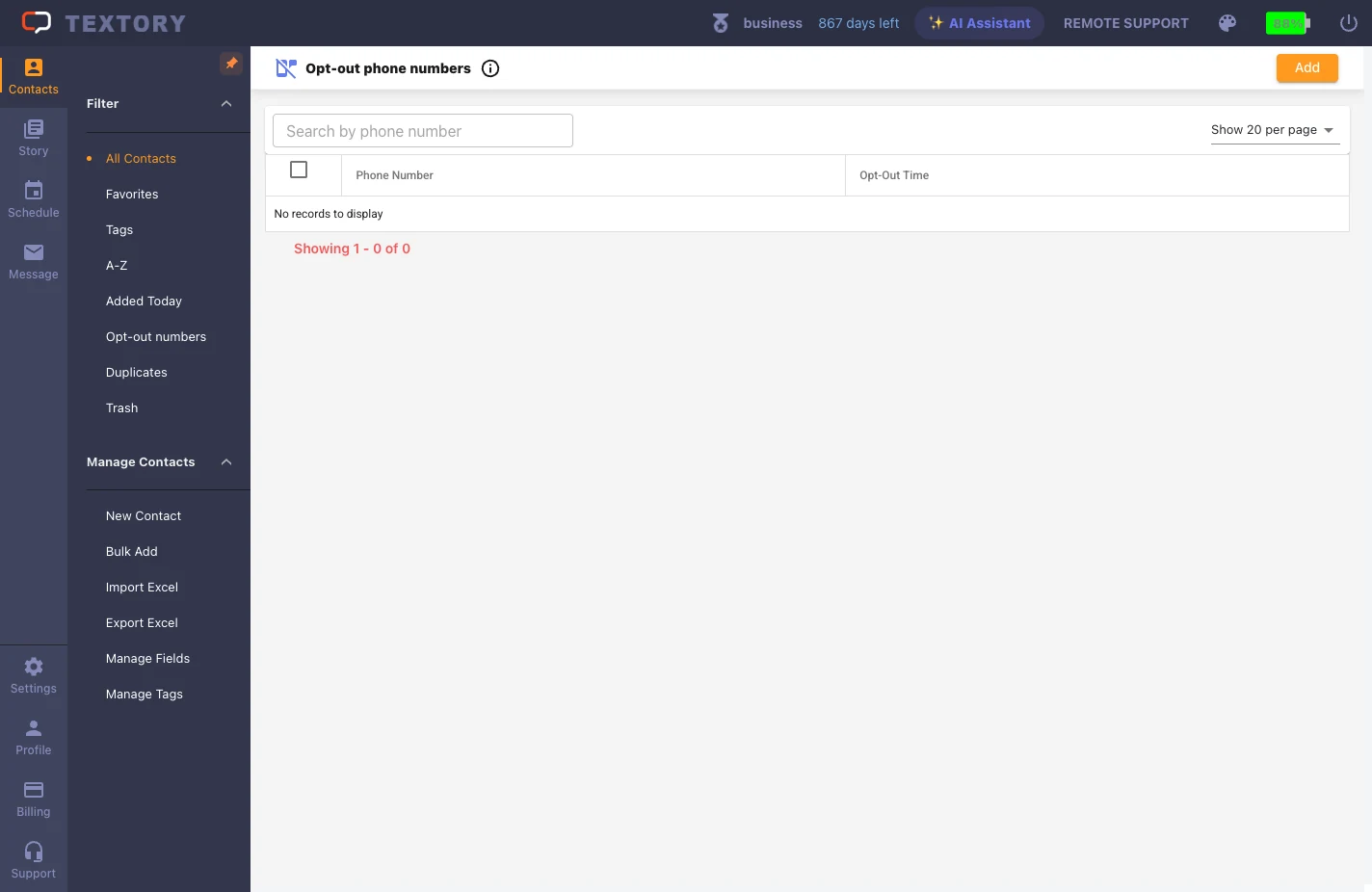
When someone replies STOP or asks by phone to opt out, go to Contacts → Filter → Opt-out numbers, click Add and enter the number right away. It works by number, not name. Registered numbers are excluded from sending.
4. Final check before sending
Check four things: consent, recipients (opt-outs excluded), content (business name and “Reply STOP” line) and sending time (8 am–9 pm local). When re-uploading an Excel list, make sure opted-out numbers don’t come back.
Next guides
Still stuck?