When messages won’t send
1. Check the status first
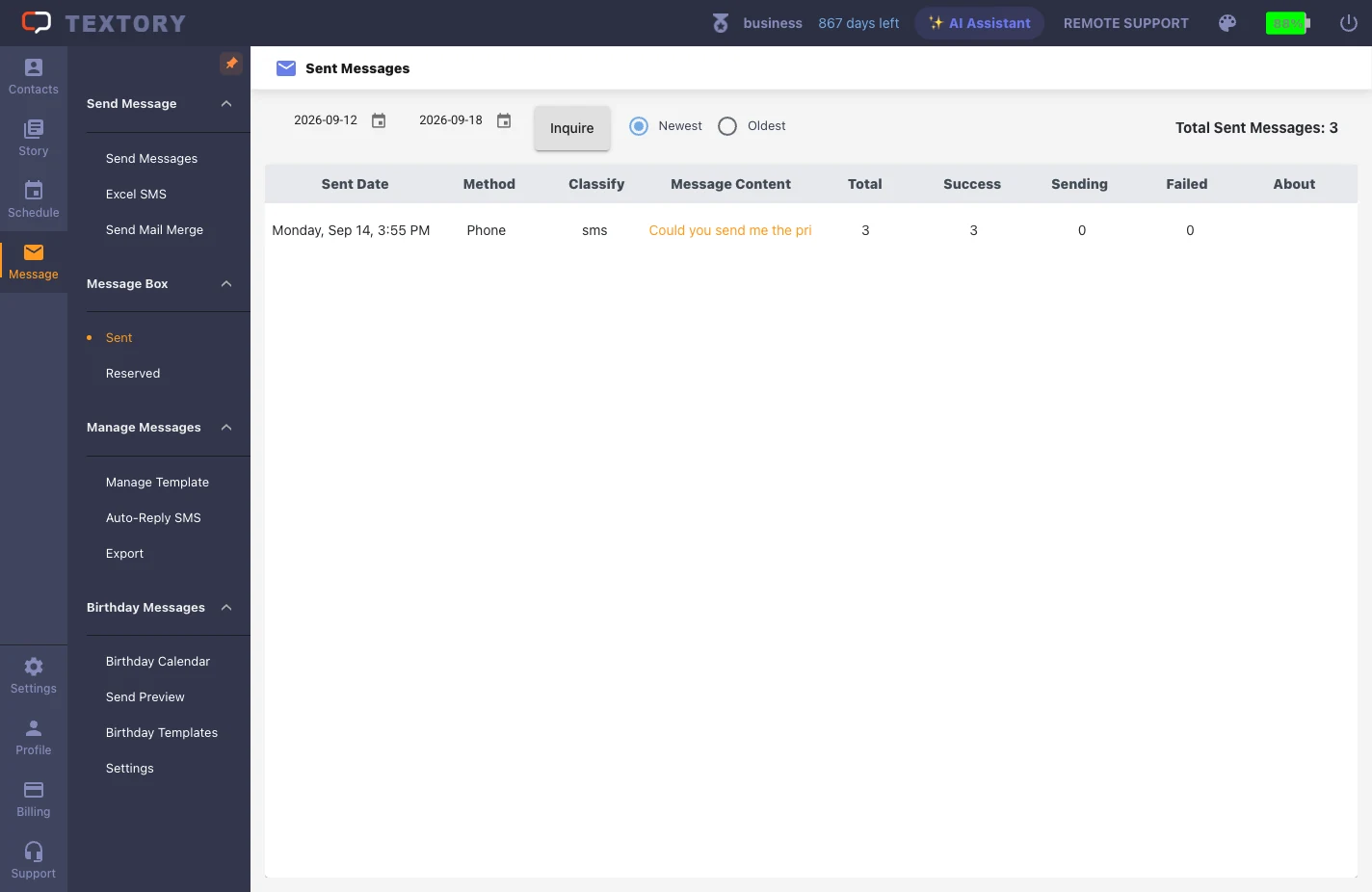
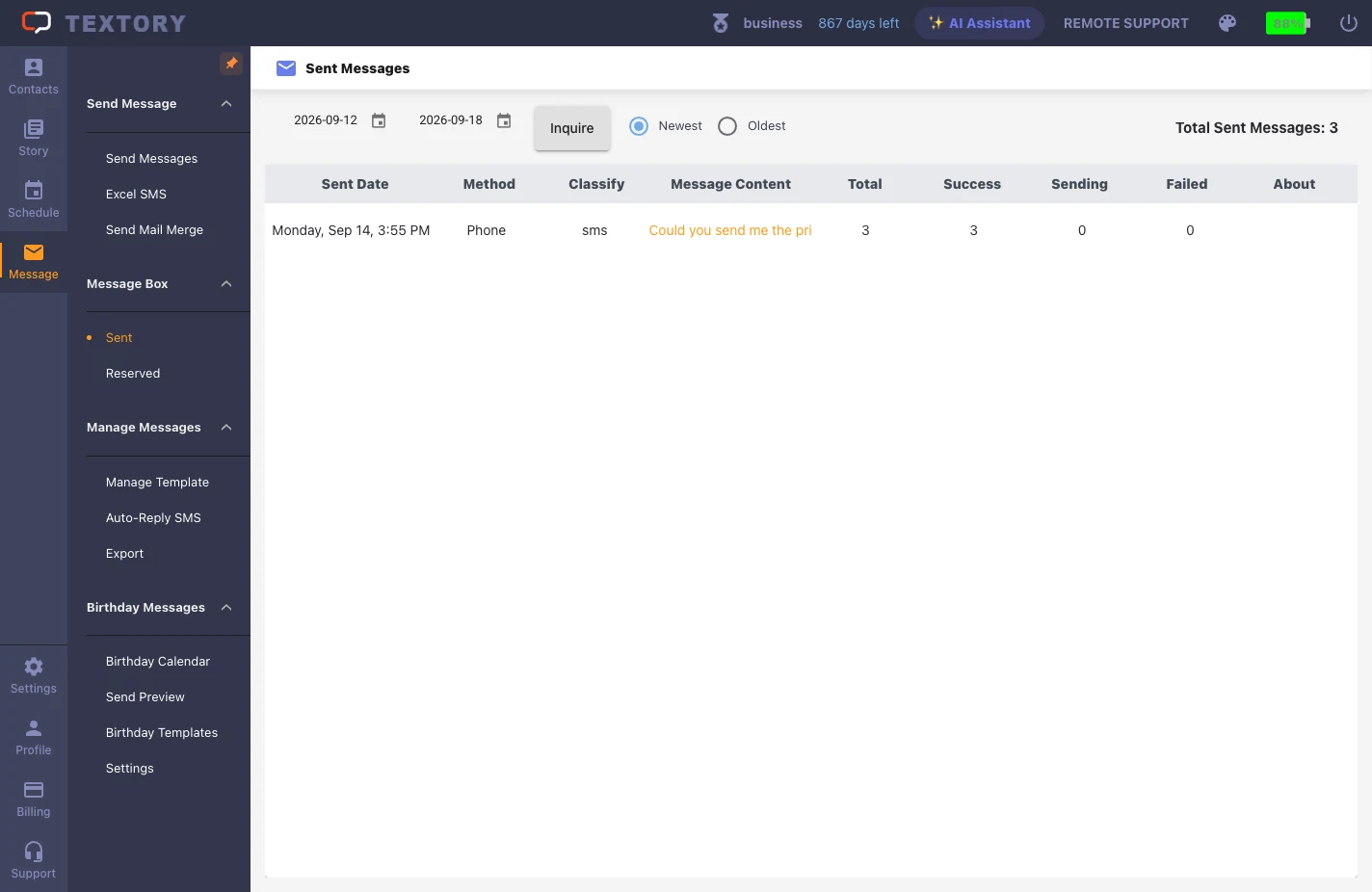
In Message → Sent, set the period and tell apart Success, Sending and Failed. Sending means the result isn’t final yet — wait. Only look into the cause for Failed.
2. When SMS fails
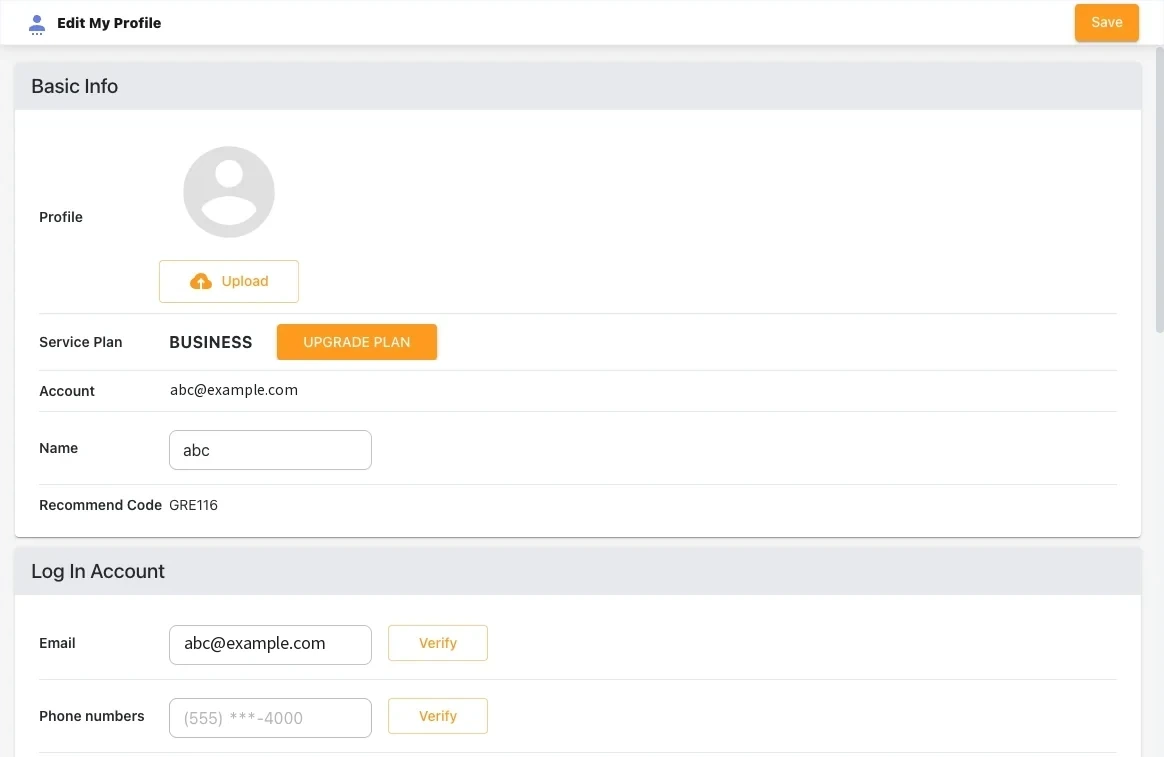
In Profile → Edit My Profile, check that the PC login (email and phone number) matches the phone app. Also check the app is connected. If your phone’s default messaging app can’t send either, it’s a carrier line issue.
3. When only some numbers failed
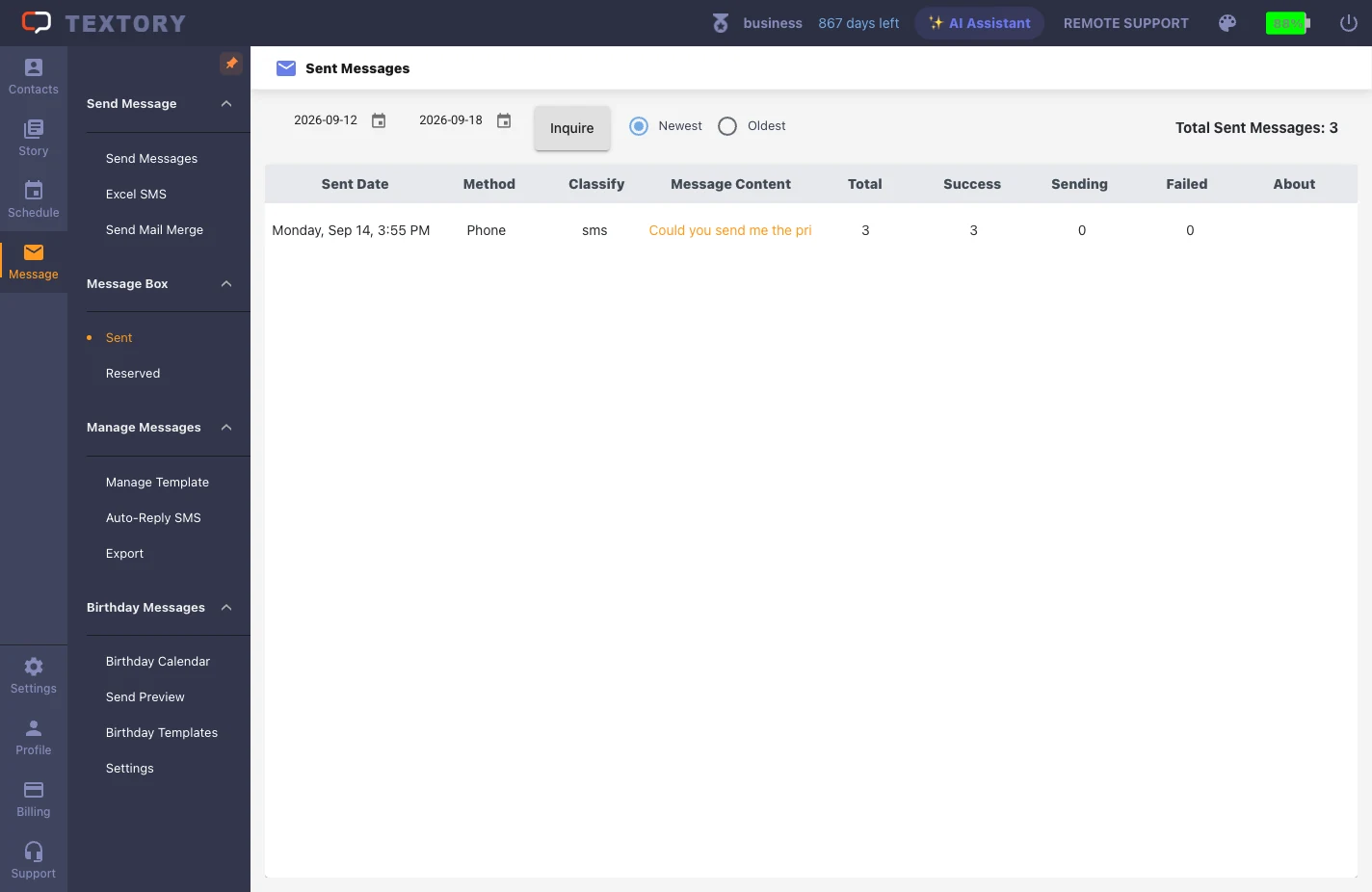
Use the Resend link in the About column to resend only the failed numbers. Resending to everyone means successful recipients get the same message twice.
Next guides
Still stuck?