Find contacts
1. Search by name or phone number
In Contacts → All contacts, type a name or number in the search box at the top and press Enter. Check the phone number in the results, not just the name — if several customers share a name, tell them apart by number.



2. Search contacts by tag
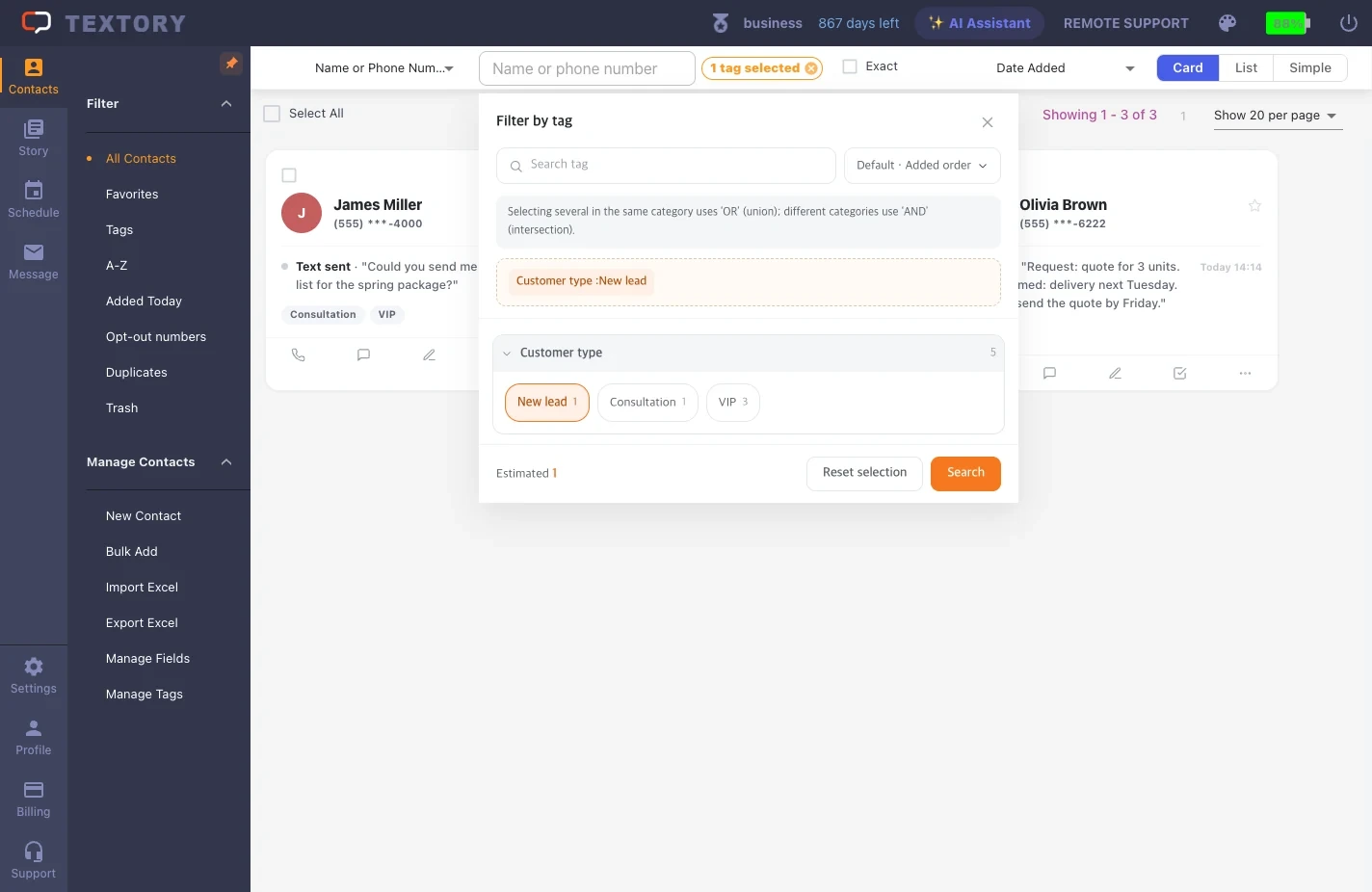
Click Tags under Filter on the left to search contacts by tag. Pick tags and click Search. To clear the filter, click Reset selection and search again.

3. Change the view mode
Choose Card, List or Simple view at the top right. The view mode doesn’t change the search results. Card view shows tags and recent history; List view shows more details in a table.


Next guides
Still stuck?