When received messages don’t show
1. Check it’s the same account
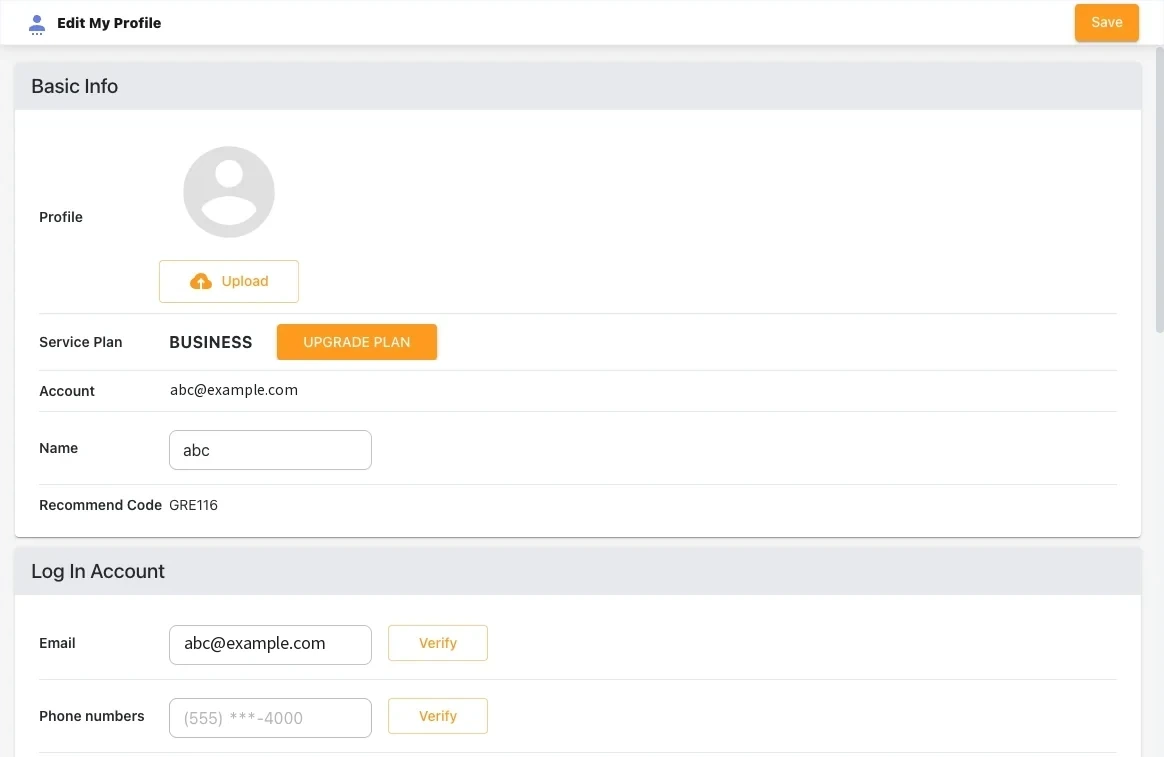
Compare the email and phone number in Profile → Edit My Profile on PC with the phone app’s account. If they differ, sign in again with the same account.
2. Turn off RCS chats
RCS chats aren’t regular SMS, so those messages don’t reach Textory. In your messaging app, open Settings → RCS chats (or Chat features) and turn it off. Then texts arrive as regular SMS.
3. Turn on Auto-add messaged contacts
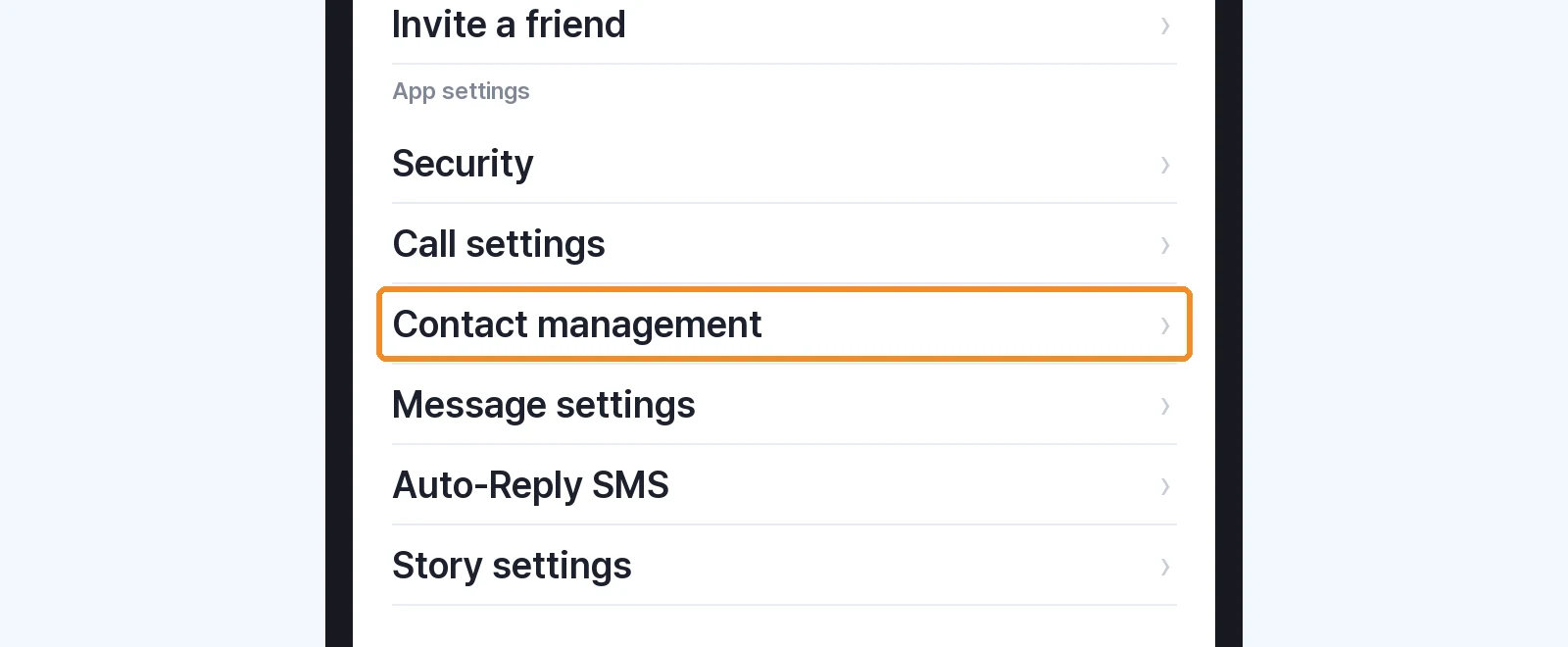
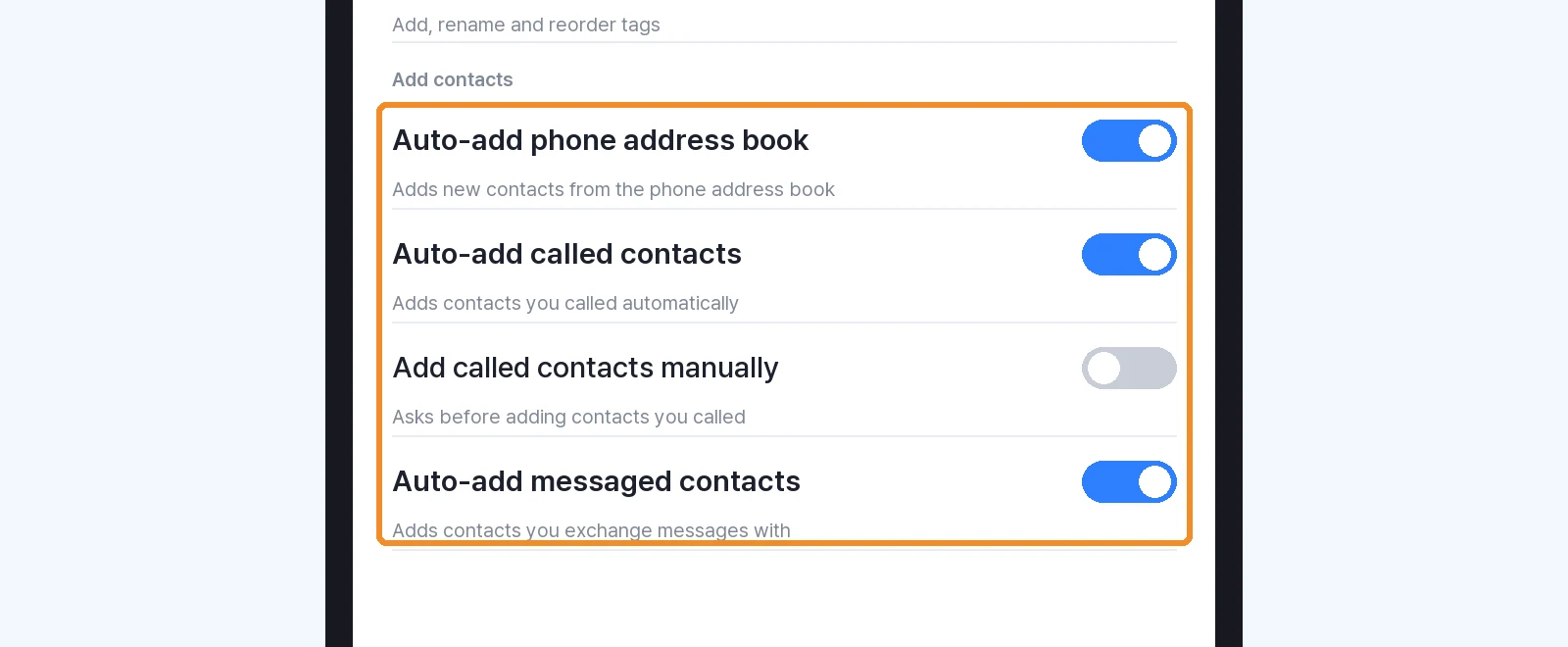
In the Textory app, Settings → Contact management, turn on Auto-add messaged contacts. Messages from unsaved numbers then appear in Contacts and Story. After turning it on, check with a newly received message.
Next guides
Still stuck?